
A Next.js hydration error happens when the HTML rendered on the server does not match the client’s first render. In Next.js 15 with React 19, the practical fix is to find unstable output—such as Date, Math.random(), window, localStorage, or locale formatting—then move that logic into useEffect, pass stable serialized values, or isolate browser-only components with dynamic(..., { ssr: false }).
What a Next.js hydration error is
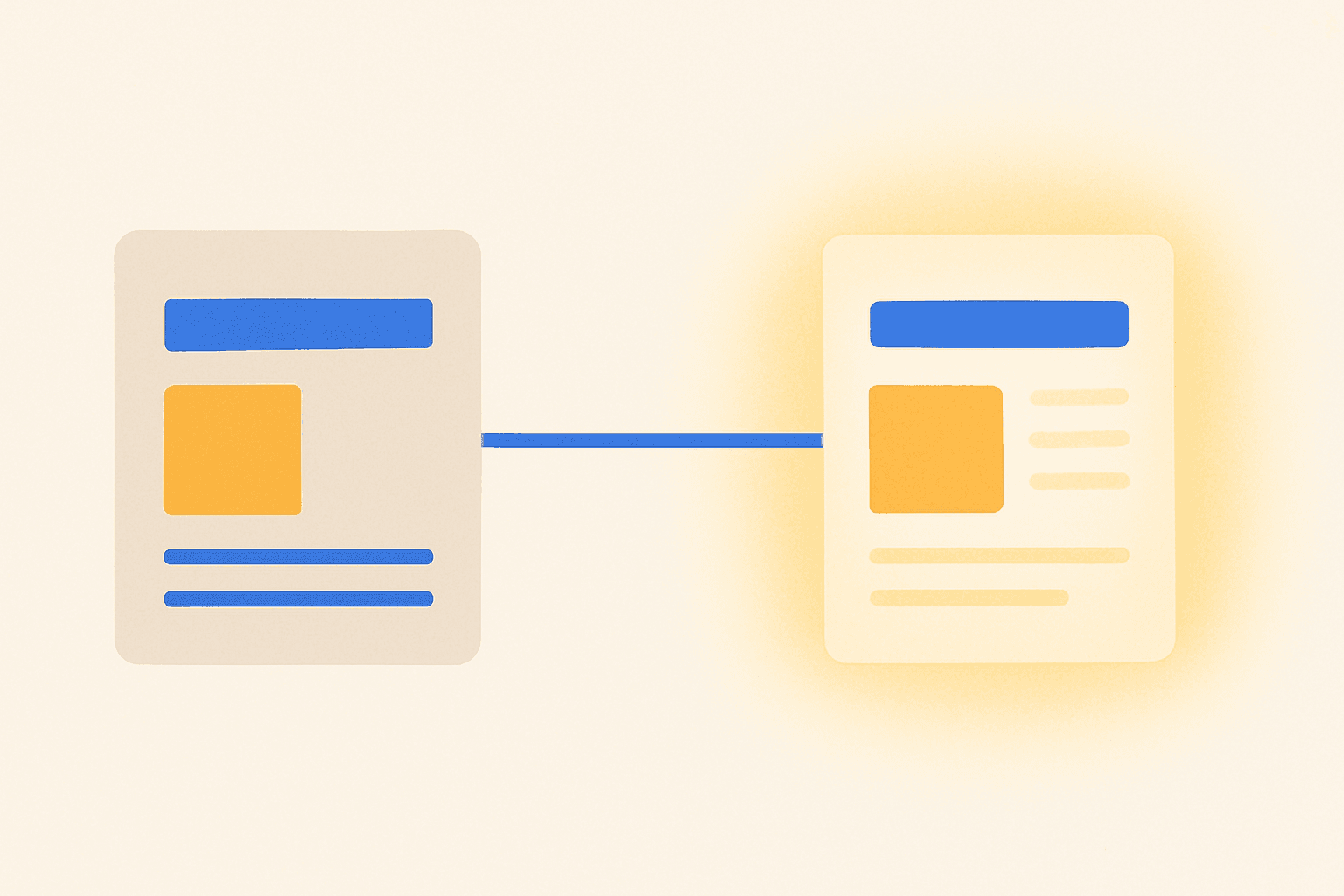 This image was generated by AI
A hydration error is a mismatch between server-rendered HTML and the browser’s first React render. In modern Next.js App Router usage, this usually appears when a Server Component depends on client-only state or when a Client Component renders unstable values on the first pass, which React 19 still reports as runtime warnings or errors instead of ignoring silently.
Searches for this problem increased after newer Next.js and React diagnostics made the issue easier to see. React 19 surfaces the exact subtree more clearly in the error overlay and browser console, so teams upgrading to Next.js 15 now notice mismatches that were previously harder to trace in older setups.
The root cause is nearly always code that behaves differently on the server and in the browser. The most common examples in 2024 and 2025 are window, localStorage, Date, Math.random(), and locale- or timezone-dependent formatting, because each can produce one value during SSR and another value during hydration.
How to fix a Next.js hydration error step by step
 This image was generated by AI
The fastest fix is to inspect the exact component subtree named by the Next.js overlay, then remove any render-time code that can differ between server and client. In Next.js 15 App Router projects, this usually means checking the first render of Client Components and any browser-only package imported into that subtree.
Open the Next.js error overlay or browser console and note the first component subtree mentioned by React 19.
Search that subtree for render-time calls to
Date,Math.random(),window,document,localStorage, or locale formatting such astoLocaleString().If the value is browser-only, move it into
useEffectso the server HTML and first client render stay identical.If the value must come from the server, serialize it once on the server and pass the stable string or number as a prop.
If a third-party component cannot render on the server, load it through a client-only boundary with
dynamic(..., { ssr: false }).Use
suppressHydrationWarningonly for intentionally different text or markup that you cannot practically align.
// app/page.tsx (Server Component)
export default function Page() {
  const createdAtISO = new Date('2025-01-15T12:00:00.000Z').toISOString();
  return <TimeStamp initialISO={createdAtISO} />;
}

// app/components/TimeStamp.tsx (Client Component)
'use client';

import { useEffect, useState } from 'react';

export default function TimeStamp({ initialISO }: { initialISO: string }) {
  const [localTime, setLocalTime] = useState(initialISO);

  useEffect(() => {
    setLocalTime(new Date(initialISO).toLocaleString());
  }, [initialISO]);

  return <time dateTime={initialISO}>{localTime}</time>;
}
The pattern above works because the server and first client render both output the same ISO string, then the browser updates after mount. That is the same principle recommended for browser-only logic in App Router: keep the initial markup stable, then apply client-specific behavior in useEffect or after a mounted-state check.
Which hydration fix to use in each situation
 This image was generated by AI
The right fix depends on whether the mismatched value is unstable, browser-only, or intentionally different after hydration. In Next.js 15, choosing the smallest reliable fix is better than hiding the warning globally, because React 19 still expects component-level markup consistency on the first render.
| Situation | Best fix | Why it works |
|---|---|---|
Component reads window or localStorage during render | Move logic into useEffect or gate with mounted state | Server HTML stays identical to the first client render, then browser data loads after mount |
Component shows Date, Math.random(), or locale-formatted text | Pass a stable serialized value from the server or format on one side only | Prevents different values between SSR and hydration |
| Third-party map, chart, editor, or widget depends on browser APIs | Load with dynamic(() => import(...), { ssr: false }) inside a client-only boundary | Skips SSR for code that cannot safely render on the server |
| Text is intentionally different after hydration | Use suppressHydrationWarning on that specific element | Hides a known mismatch, but does not solve the underlying difference |
| Server Component accidentally depends on client state | Split responsibilities between Server and Client Components | Restores the App Router boundary expected by Next.js |
For browser-dependent libraries, dynamic(..., { ssr: false }) is still a reliable workaround, especially for maps, charts, editors, and widgets. In App Router projects, this is typically applied from a Client Component or a client-only boundary, because the package usually touches browser globals during render and cannot produce valid server HTML.
Common mistakes that keep causing hydration mismatches
The most common mistake is rendering unstable values directly in JSX. A line like {new Date().toLocaleString()} or {Math.random()} can differ by milliseconds, timezone, locale, or execution environment, which means the markup produced on the server in one region can differ from the browser output on the client machine.
Another frequent mistake is assuming 'use client' solves everything by itself. In Next.js App Router, a Client Component can still hydrate incorrectly if its first render uses window, localStorage, viewport size, or a random value before useEffect runs, because the first client pass still has to match the server HTML.
A third mistake is importing a third-party UI package directly into a server-rendered subtree when that package accesses browser globals during render. Libraries for charts, editors, and embedded widgets often do this, so wrapping them in a client-only boundary or loading them with ssr: false is usually the practical fix.
A final mistake is overusing suppressHydrationWarning as a blanket workaround. Next.js supports it for a specific element when the UI is intentionally different after hydration, but the attribute hides the mismatch rather than removing the server/client inconsistency, so it should stay limited to narrow cases like timestamps or personalized text.
Tips to prevent hydration errors in new Next.js components
The safest habit is to treat the first render as a pure function of stable props. In a Next.js 15 codebase, that means rendering the same text, attributes, and element structure on the server and the first client pass, then adding browser-only data in useEffect after mount.
For dates and locale output, choose one rendering side and stick to it. If the server formats the string in UTC on 2025-01-15, pass that exact string to the client; if the browser must localize it, first render the stable server value, then replace it after hydration so timezone and locale differences do not affect the initial HTML.
For third-party packages, test them in isolation before adding them to a shared layout. If a chart, map, or editor fails in the browser console during SSR or touches window in its render path, move it behind a client-only boundary early instead of debugging a larger layout tree later.
When debugging, start with the first mismatch React 19 reports, not the last visible symptom. The Next.js overlay usually points to the exact subtree, and the first suspect should be any component that renders time-based, random, browser-only, or locale-sensitive output during the initial pass.
FAQ
What causes a hydration error in Next.js?
The usual cause is a mismatch between server-rendered HTML and the client’s first render. In Next.js 15, common triggers include Date, Math.random(), window, localStorage, and locale or timezone formatting during render.
Does 'use client' fix hydration errors?
No. 'use client' only marks a module as a Client Component. If that component still renders unstable or browser-only values on its first pass, hydration can still fail until you move that logic into useEffect or make the initial output stable.
When should I use dynamic import with ssr: false in Next.js?
Use it for components that cannot render on the server, such as maps, charts, editors, or widgets that depend on browser APIs. In App Router projects, this is typically done inside a Client Component or client-only boundary.
Is suppressHydrationWarning a real fix?
Not usually. It suppresses a known mismatch on a specific element, but it does not resolve the underlying server/client difference. Use it sparingly when the UI is intentionally different after hydration.
Why do dates and locale formatting often break hydration?
A server may render one timezone or locale while the browser renders another. Formatting a date on both sides can produce different text, so a safer pattern is to format on one side only or pass a stable serialized value first.